
On This Page
- Why Store Owners Use Multiple Stripe Accounts in WooCommerce
- The Right Way: Automating Multiple Stripe Accounts in WooCommerce
- How a Dedicated WooCommerce Multiple Stripe Accounts Plugin Helps
- When Should You Stop Hacks and Use a Plugin? (Quick Checklist)
- Conclusion: Payments Should Support Growth, Not Block It
Get in Touch
At the beginning, running an online store feels simple. One brand, one payment gateway, one Stripe account, everything flows smoothly. Orders come in, payments settle automatically, and accounting stays manageable.
But growth changes the game.
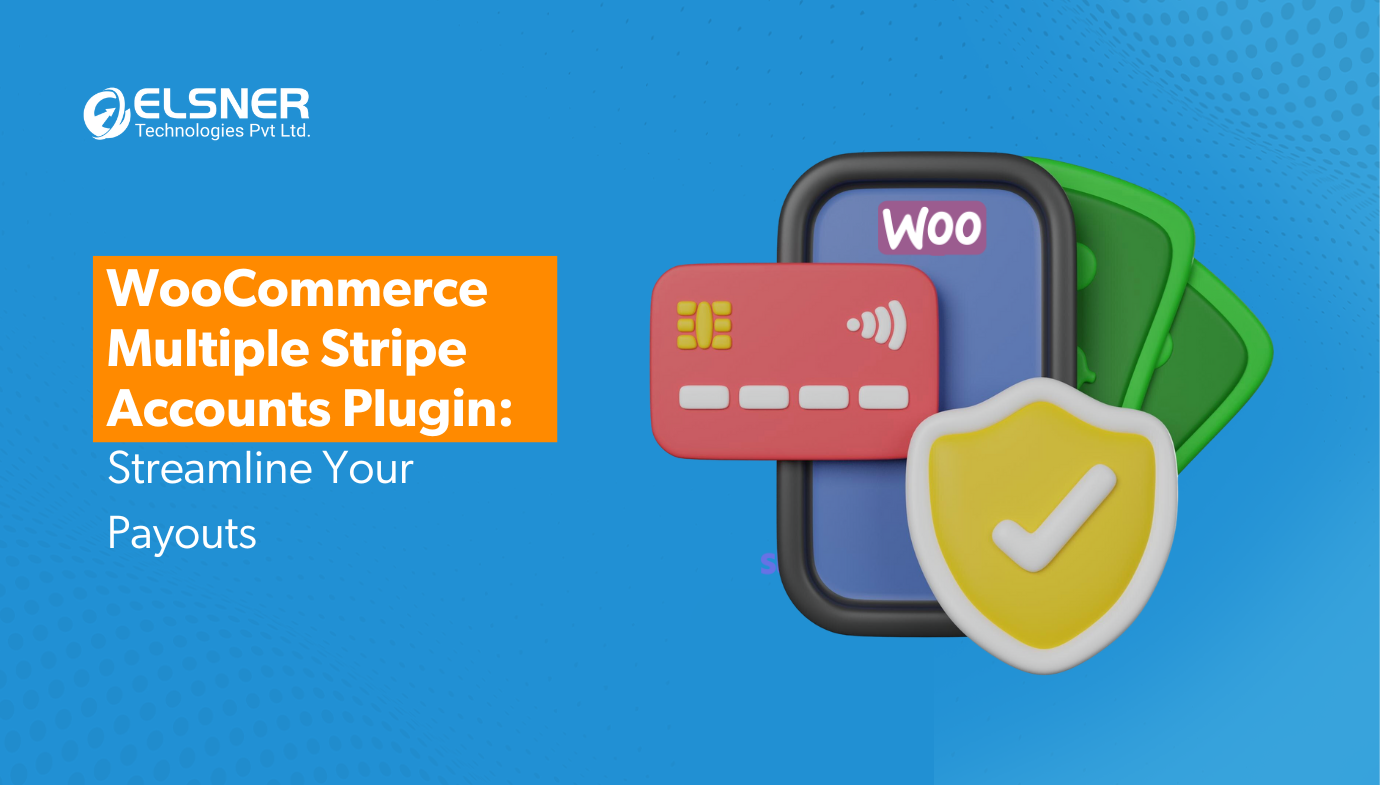
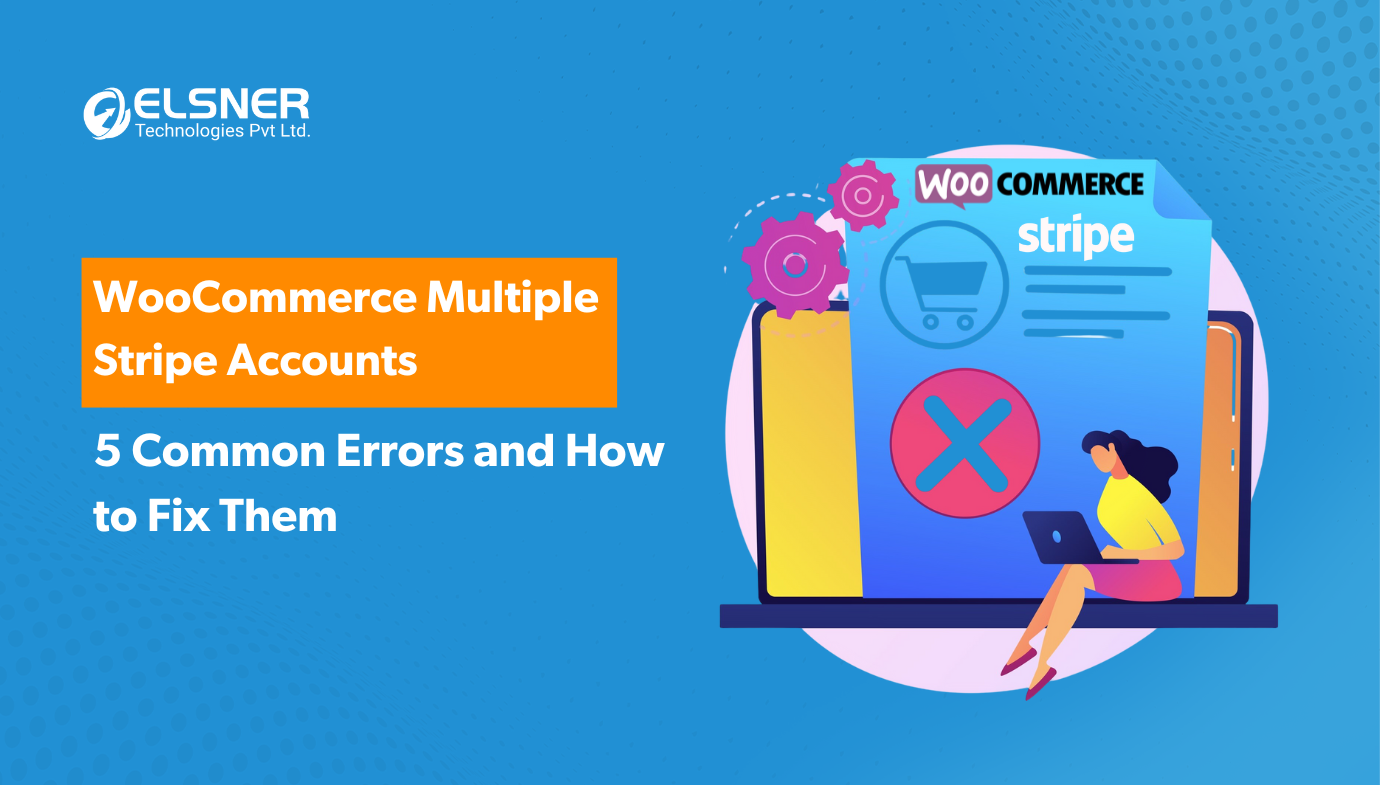
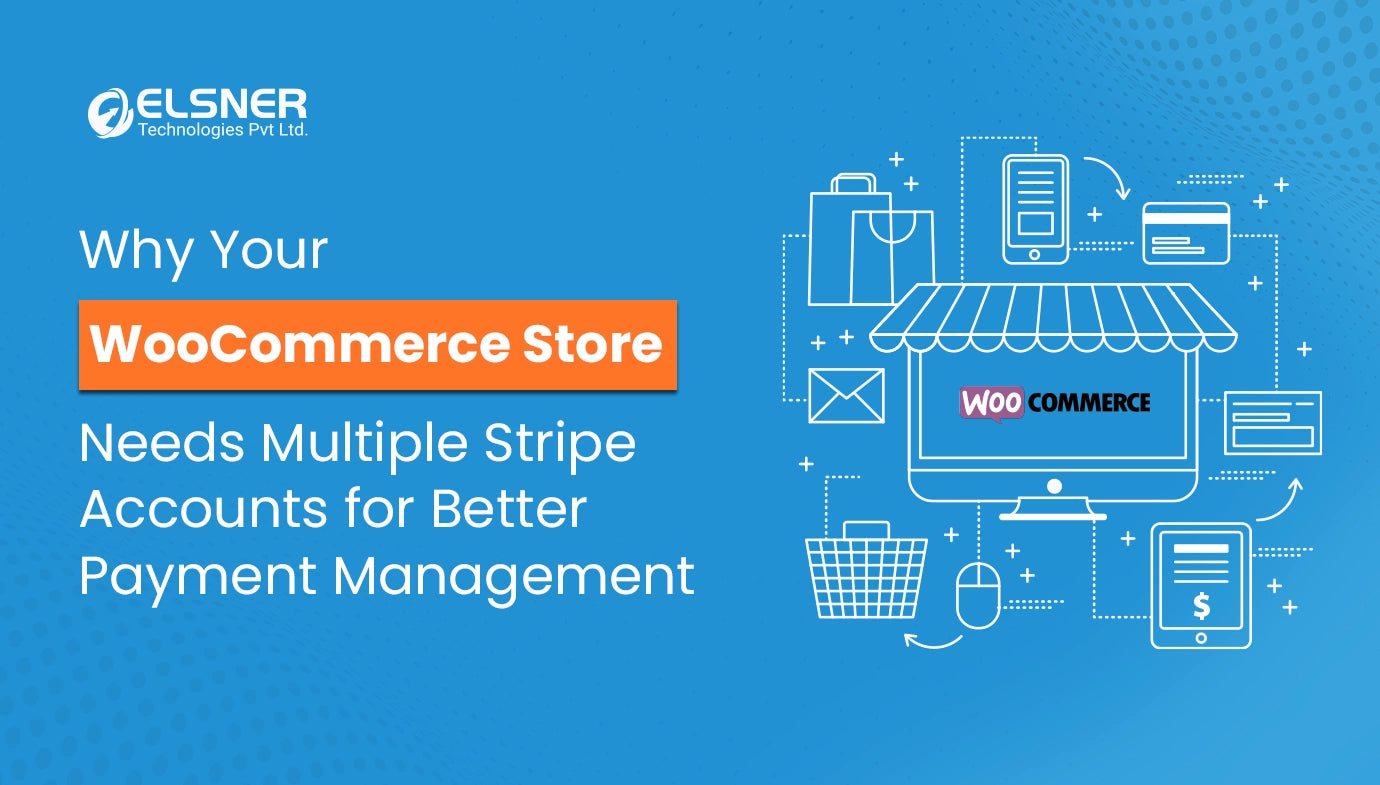
As your WooCommerce store expands, you may start operating multiple brands under one website, onboarding different vendors, selling across countries, or managing separate legal entities for tax and compliance reasons. Suddenly, a single Stripe account is no longer enough to handle all your transactions correctly, and this is where a reliable WooCommerce Multiple Stripe Plugin becomes essential for routing payments accurately.
WooCommerce’s default Stripe integration is designed for basic setups. It assumes that all payments go into one Stripe account. When businesses try to stretch this setup across multiple Stripe accounts, things start breaking, failed payments, accounting mismatches, refund chaos, and operational stress.
This blog highlights the most common mistakes store owners make when managing multiple Stripe accounts in WooCommerce, and how you can avoid them to keep payments stable, secure, and scalable.
Why Store Owners Use Multiple Stripe Accounts in WooCommerce
Before diving into mistakes, it’s important to understand that using multiple Stripe accounts is not wrong. In fact, it’s often a legitimate business requirement.
Some common real-world reasons include:
-
Different legal entities and tax requirements: Businesses operating in multiple regions may need separate Stripe accounts for GST, VAT, or local tax compliance.
-
Multi-vendor or marketplace models: Each vendor may want payouts to their own Stripe account.
-
International payments and currencies: Certain countries require local settlement accounts or region-specific Stripe configurations.
-
Brand-wise accounting separation: Companies running multiple brands prefer clean financial reporting for each brand.
The problem is not the decision to use multiple Stripe accounts, the problem is how it’s implemented inside WooCommerce. Incorrect setups create hidden risks that slowly damage payment reliability and business efficiency.
Mistake #1: Manually Switching Stripe API Keys
One of the most common shortcuts store owners take is manually changing Stripe API keys in the WooCommerce admin panel whenever they want to route payments to a different account.
At first, this feels like a simple workaround. But in real operations, it becomes dangerous.
-
Human error is inevitable when switching keys frequently.
-
A wrong key update can instantly break live checkout.
-
Customers may face failed or declined payments without clear errors.
-
Team members become dependent on manual processes and documentation.
As the store scales, manual switching becomes chaotic. There is no automation, no audit trail, and no protection against mistakes. This approach may work temporarily for small volumes but fails completely in long-term growth scenarios.
Mistake #2: Building Custom Payment Routing with Code
Some businesses ask developers to build custom logic that routes payments to different Stripe accounts based on certain rules.
While this looks like a smart technical solution initially, it often creates long-term instability.
-
WooCommerce and Stripe release frequent updates that can break custom code.
-
Debugging payment issues becomes complex and time-consuming.
-
Maintenance costs increase every time changes are needed.
-
Business operations become dependent on a specific developer or agency.
-
Downtime risk increases during plugin or platform updates.
Hidden technical debt slowly builds up. What started as a quick solution turns into an expensive maintenance burden that affects business continuity and payment reliability.
Mistake #3: Charging the Wrong Stripe Account at Checkout
Another serious issue happens when the wrong Stripe account receives payment for certain products or vendors.
For example:
-
A product belonging to Brand A gets charged into Brand B’s Stripe account.
-
Vendor payouts become incorrect.
-
Financial reconciliation becomes messy.
-
Refunds and disputes become difficult to track.
This mistake directly impacts both money and trust. Accounting teams struggle to reconcile reports, vendors lose confidence in the system, and customers may experience delayed refunds or incorrect billing records.
Once these errors start repeating, operational stress multiplies rapidly.
Mistake #4: No Clear Vendor or Product-Level Payment Rules
In multi-vendor or multi-brand stores, payment routing rules must be crystal clear.
Questions that must always have precise answers:
-
Which product maps to which Stripe account?
-
How are categories assigned to payment destinations?
-
What happens when a cart contains products from multiple vendors?
-
How are edge cases handled?
Without clearly defined rules, payment routing becomes unpredictable. Random failures appear, manual reconciliation increases, and vendors start raising complaints. Over time, this weakens platform trust and increases administrative overhead.
A scalable business cannot rely on assumptions or manual coordination for payment logic.
Mistake #5: Ignoring Compliance and Security Risks
Payment systems are not just technical infrastructure, they are business risk zones.
Common compliance and security mistakes include:
-
Storing API keys loosely without proper access controls.
-
Mixing test and live credentials accidentally.
-
No centralized logs or tracking for payment routing.
-
Limited visibility into transaction flow across accounts.
These gaps can lead to data exposure, payment disputes, compliance violations, and financial losses. As transaction volume grows, even small security lapses can become costly incidents.
The Right Way: Automating Multiple Stripe Accounts in WooCommerce
The sustainable solution is automation, not manual switching, not fragile custom code.
A reliable setup uses rule-based payment routing, where the system automatically decides which Stripe account receives each payment.
Rules can be defined based on:
-
Product
-
Category
-
Vendor
-
Business entity
Instead of human intervention, the system intelligently routes transactions behind the scenes. Checkout remains seamless for customers, while backend operations stay structured and predictable.
In simple terms:
The system automatically decides where each payment should go, accurately and consistently.
This eliminates operational errors, reduces support workload, and allows the business to scale without payment chaos.
How a Dedicated WooCommerce Multiple Stripe Accounts Plugin Helps
A dedicated WooCommerce Multiple Stripe Accounts plugin simplifies this entire process without requiring complex development work.
Key advantages include:
-
Easy configuration: Setup rules visually without touching code.
-
Stable checkout experience: Customers never experience routing complexity.
-
Compatibility with WooCommerce updates: No fragile custom patches.
-
Scalability: Add new brands, vendors, or Stripe accounts easily as your business grows.
-
Operational peace of mind: Fewer errors, fewer disputes, cleaner accounting.
Instead of constantly fixing issues, teams can focus on growth, marketing, and customer experience.
When Should You Stop Hacks and Use a Plugin? (Quick Checklist)
If any of the following apply to your store, it’s time to move away from hacks and manual workarounds:
-
You are using two or more Stripe accounts.
-
You operate multiple vendors or brands.
-
You accept international payments.
-
Your accounting team reports reconciliation issues.
-
Payment failures or routing errors are increasing.
If you tick two or more items, adopting a dedicated plugin is the smart move.
Conclusion: Payments Should Support Growth, Not Block It
WooCommerce and Stripe together form a powerful eCommerce foundation, especially when supported by reliable WooCommerce & WordPress plugins. But incorrect implementation of multiple Stripe accounts creates unnecessary friction, operational risk, and lost revenue opportunities.
When payment systems are automated, structured, and secure, businesses gain stability, transparency, and scalability. The right setup allows teams to focus on growth instead of firefighting payment issues.
A clean payment architecture is not a luxury, it is a growth enabler.
Frequently Asked Questions

Harshal Shah
Harshal Shah is the Founder and CEO of Elsner Technologies, a leading global IT and eCommerce development company. With over two decades of experience in the industry, Harshal has spearheaded innovative projects, particularly in Magento and WordPress development. His entrepreneurial spirit and technical expertise have positioned Elsner as a top solution provider for businesses seeking cutting-edge digital transformation.