
On This Page
- Introduction: Why WooCommerce Stores Struggle with Inventory Management
- What Is WooCommerce Zoho Inventory Integration?
- How WooCommerce and Zoho Integration Works
- Key Benefits of WooCommerce Zoho Integration
- Common WooCommerce Inventory Management Challenges Solved
- Challenges You May Face During WooCommerce Zoho Integration
- Best Practices for a Successful WooCommerce Zoho Integration
- Is WooCommerce Zoho Integration Worth It for Small Businesses?
- Final Thoughts
Get in Touch
If you are a WooCommerce store owner, chances are you know what it's like. It gets frustrating when orders are received from three different sources without the inventory being updated; you find yourselves looking at a mismatched stock number. To make things worse, some of your team members are updating spreadsheets late at night as it suddenly turned out that a product went out of stock nobody had time to notice before.
This problem is precisely why so many online sellers decide it's time for proper inventory management software. A large percentage of WooCommerce store owners who do this are likely turning to Zoho Inventory.
Let's talk about what this integration actually does, why it matters, and where things tend to go wrong if you're not careful.
What Does WooCommerce Zoho Integration Actually Mean
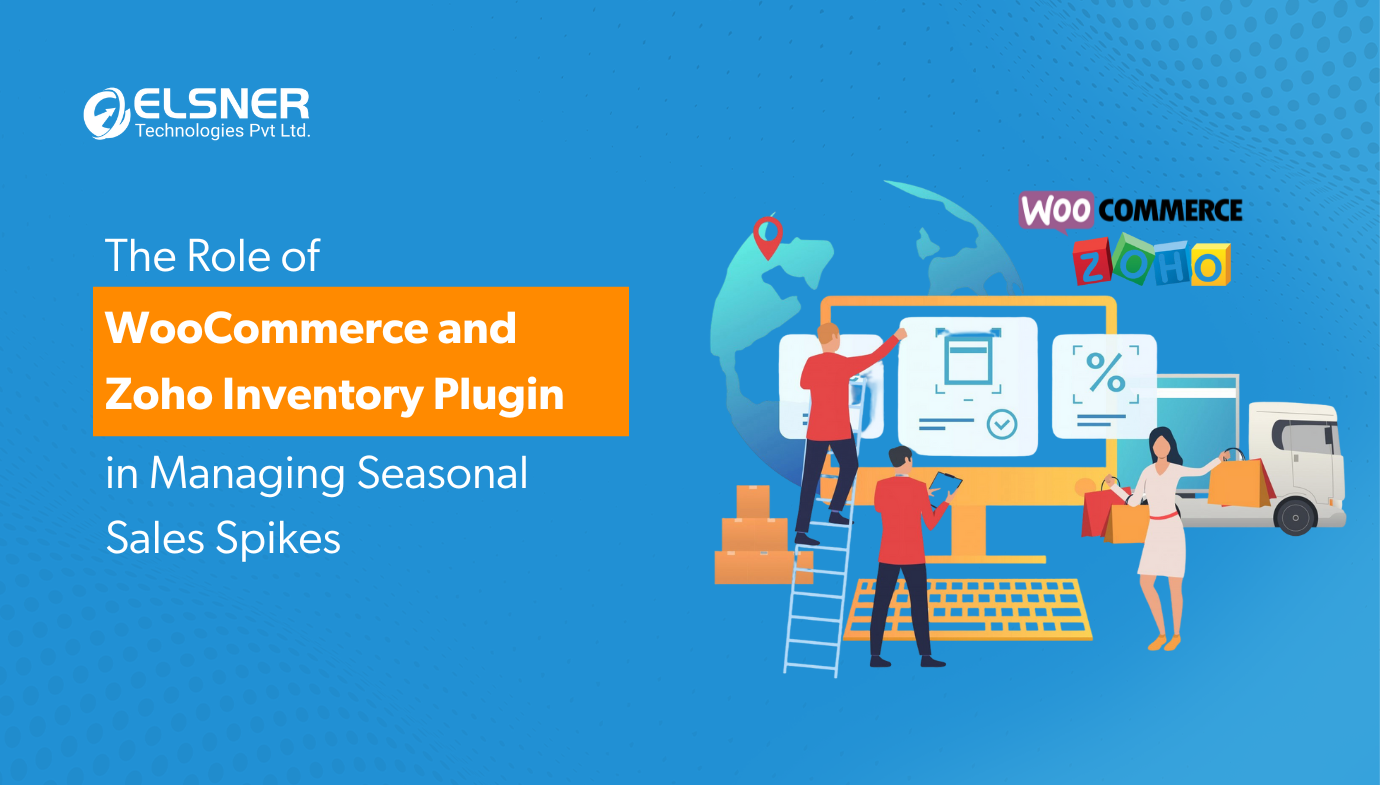
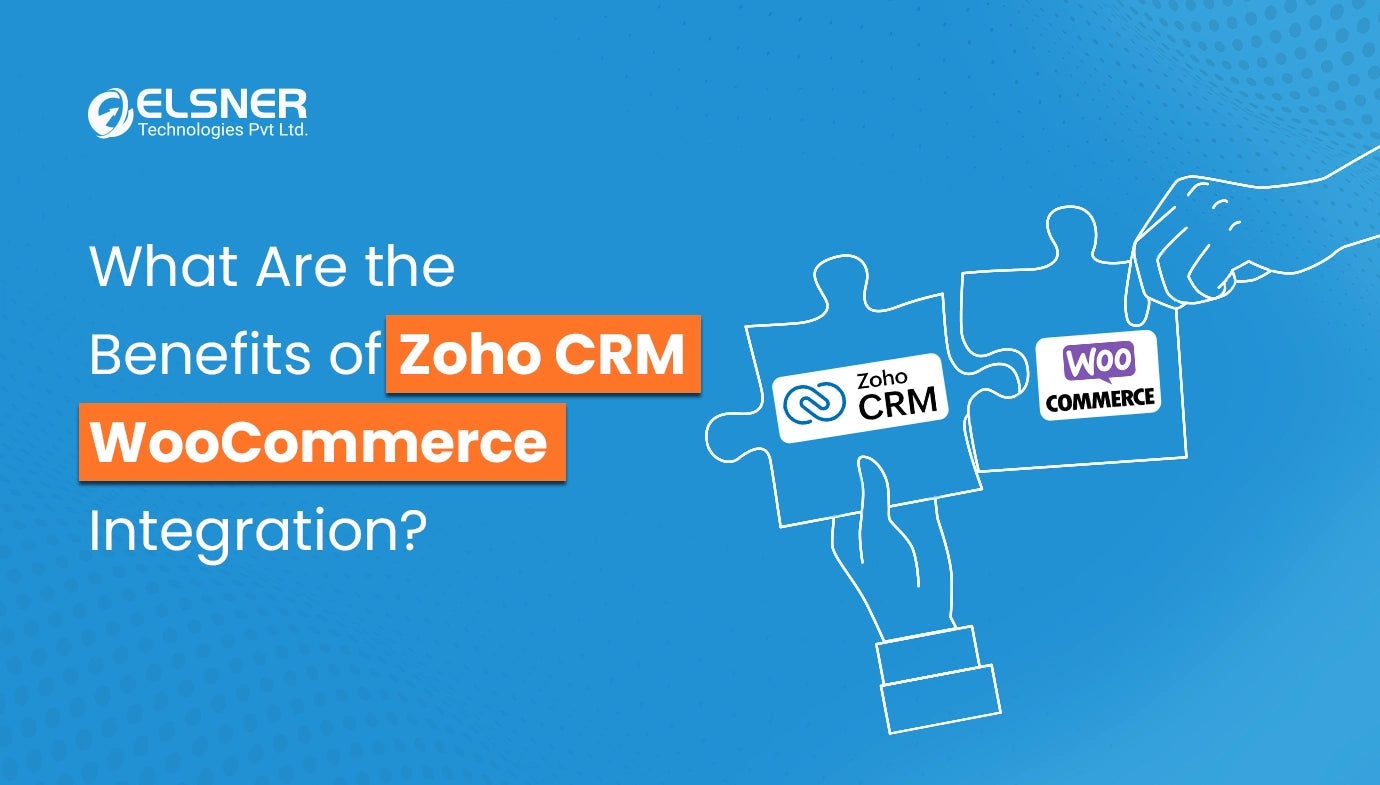
Basically, this tool connects your WooCommerce store with Zoho Inventory (or possibly also Zoho CRM). This enables automatic transfer of stock levels, orders, customers, and any other data between both platforms. It means you can get away with not being logged in on both of your dashboards for a while before you have checked whether a product is still available or not.
When someone buys a product on your site, Zoho updates the stock count on its own. When you restock, WooCommerce reflects it too. That back and forth, which used to eat up hours every week, just... happens in the background now.
This kind of setup is becoming pretty standard for anyone serious about scaling their store, not just the big players.
Why Store Owners Are Moving Toward This Integration
There's a reason WooCommerce inventory management through Zoho has picked up so much traction lately. Here's what actually changes once it's in place:
| Area | Before Integration | After Integration |
|---|---|---|
| Stock updates | Manual, delayed, often wrong | Real-time, automatic |
| Order tracking | Spread across tools | Centralized in one place |
| Overselling risk | High, especially during sales | Significantly reduced |
| Customer data | Scattered, hard to use | Synced with CRM for follow-ups |
| Reporting | Time-consuming, manual pulls | Built-in dashboards |
A few things worth calling out specifically:
Real inventory accuracy
This is probably the biggest one. Nobody wants to sell a product that's actually out of stock and then have to send an awkward apology email. With proper inventory tracking software connected to your store, that risk drops a lot.
Faster order processing
Since everything talks to each other, your team isn't jumping between tabs to confirm what's shipped, what's pending, and what needs restocking.
Better customer relationships
When Zoho CRM is part of the mix, you get a fuller picture of who's buying what, which helps with retention and repeat sales. In fact, there are several business benefits of connecting Zoho CRM with WooCommerce worth exploring if customer data and follow-ups are a priority for your store. It's a small thing that adds up over time.
Multi-channel selling gets easier
If you sell on WooCommerce and also through other channels, having one system that reflects stock across all of them saves you from the classic "sold out everywhere, but the numbers didn't update" problem.
The Common Inventory Management Problems This Solves
Before we get into best practices, it helps to understand the actual e-commerce inventory management challenges that push people toward integration in the first place.
Most small and mid-sized e-commerce businesses typically come upon a few standard problems:
- The inventory counts discrepancy between the warehouse and the website
- Missed or double order processing during peak periods such as holiday sales
- No visibility into which products are actually moving versus sitting on shelves
- Manual data entry errors that snowball into bigger accounting headaches
- Customer service teams working with outdated information
If any of this rings a bell to you, don't worry. Plenty of others have gone through the same problems. These inventory software problems actually happen the most to stores that are growing, and usually as a business grows, the problems increase instead of decreasing.
Challenges You Might Face During Integration
Now, integration isn't always smooth sailing. It's worth being upfront about the parts that can trip people up.
Messy Data Migration
Moving your product catalog, which might have varying SKUs, duplicated entries, or incomplete fields, to Zoho will be a big discovery of a whole work of data cleaning.
Customization Needs
Broadly speaking, each store may have its unique situations, such as custom fields, tax rules, and shipping configurations beyond the ordinary. You may need custom development to cover everything since the standard integrations do not always do the trick.
Learning Curve for the Team
No matter how good the system is, it still takes time for the staff to learn about it and get accustomed to it. Allocate budget for training apart from hiring external technical setup services.
Ongoing Maintenance
With APIs regularly being upgraded, plugins usually just require minor bug fixes, and from time to time, some issues might come up where a developer steps in. It is not "set-and-forget". After you get everything working smoothly, it may still feel that way to some extent.
You should not let any of these items discourage you. Rather, you can think of them as a list of potential things you may run into, so if any of them does actually happen to you, you aren't completely caught off guard.
Best Practices for a Smooth WooCommerce Zoho CRM Integration
If you're considering this integration or already in the middle of it, you're probably wondering what the keys are to make it either smooth sailing or an incredibly irritating journey.
Clean Your Data
The first thing you should do is clean up your data. Take a look at your product catalog first. Eliminate any duplicate SKUs, add missing prices, and correct inconsistent naming. It may require some manual labor, but believe me, a few extra hours spent now will be a great time saver later.
Choose the Integration Method
Select the right integration method. If you go for a plugin, API-connected system, or a middleware tool, it is all up to your store's complexity. Smaller businesses can quite successfully work with a plugin. Large product lines require a more sophisticated, custom solution.
Test on staging first
Do not attempt to use a new integration on a live store. Instead, use the staging environment to identify and fix bugs that can potentially affect the regular operations of the store, like the placing of orders by the actual customers.
Set up Automated Stock Alerts
Let your system automatically keep you posted on inventory issues. When your warehouses' and your suppliers' inventories are synced, configure low stock thresholds that would notify you before your last product is out of stock to prevent missing out on orders.
Train your team properly
Even a simple demonstration session will go a long way in preventing a lot of confusion when a new system goes live. So it is always advisable to train your team properly.
Monitor Initially
Do not consider that the new system is running perfectly even though the system launch was smooth. You need to closely look at the product movement and inventory level for a month or two after launch at the minimum.
Keep documentation handy
Make records of your special configuration setup, personal fields, and any tricks you have used. Whoever takes care of the system in the future - even you - will always appreciate it.
Is This Worth It for Smaller Stores Too
A common question we hear is whether this kind of setup makes sense for smaller sellers, not just large ecommerce operations. Honestly, yes. Inventory software for small business use cases has come a long way, and Zoho's pricing tiers make it accessible even if you're running a lean operation.
The earlier you fix your inventory process, the less painful scaling becomes later. Trying to bolt on proper systems after you've already grown messy habits is a lot harder than building it right from the start.
Final Thoughts
At the end of the day, WooCommerce integration with Zoho Inventory shouldn't just be driven by the latest tech trend. It's about doing away with the everyday hassles brought by disconnected systems. Less frequent out-of-stocks, fewer manual errors, and much less time wasted switching around tabs, trying to figure out the real state of your shop.
If you're considering whether this solution is suitable for your organization, or you're struggling at some stage of an integration that just doesn't seem to go along smoothly, it may benefit you to talk to someone who has done this previously. You can check out this WooCommerce and Zoho integration plugin to get a closer look at the details and determine if this is the right way to go ahead for your particular project.
Frequently Asked Questions

Harshal Shah
Harshal Shah is the Founder and CEO of Elsner Technologies, a leading global IT and eCommerce development company. With over two decades of experience in the industry, Harshal has spearheaded innovative projects, particularly in Magento and WordPress development. His entrepreneurial spirit and technical expertise have positioned Elsner as a top solution provider for businesses seeking cutting-edge digital transformation.