
On This Page
- Why One Stripe Account Stops Being Enough
- Which Stores Actually Need Multiple Stripe Accounts
- What Changes for Payment Operations
- How WooCommerce Handles a Multi-Account Setup
- Setting It Up Without Guesswork
- Keeping Checkout Clean
- Mistakes Worth Avoiding
- Where to Start
- Frequently Asked Questions
Get in Touch
One Stripe account works fine until it doesn't. A store with one brand, one currency, and one bank account can run on a single connection for years. Then the business grows. A second brand launches, or a European entity gets set up, or wholesale needs its own reporting, and every payout lands in the same pile.
Picking a payment gateway for ecommerce is usually a day one decision. Restructuring it once the store has real volume is a different job. This post covers why WooCommerce multiple Stripe accounts become necessary, which stores actually need them, and how to set things up without breaking checkout.
Why One Stripe Account Stops Being Enough
Stripe is blunt about this. Its own documentation says projects, websites or businesses that operate independently from each other must use separate accounts. Each account can only be tied to one tax ID and legal entity, so multiple businesses with separate tax details need an account each.
That's the legal side. The operational side shows up sooner.
Customers see your statement descriptor on their card statement. If two brands share one account, a shopper who bought from Brand A might see a charge under Brand B's name. Stripe's docs use almost exactly that example, and the likely result is a dispute. Reconciliation gets ugly too. Finance ends up filtering one giant transaction list by brand, by currency, and by entity, every single month.
Separate accounts fix that at the source. Each one gets its own public business information, its own reports and, if you want, its own bank account for payouts. You can read the full breakdown in Stripe's documentation on multiple separate accounts.
Which Stores Actually Need Multiple Stripe Accounts
Not every store does. Let's be honest about that first.
If you sell one product line, in one currency, through one legal entity, a single account is simpler and cheaper to maintain. Skip the extra setup. Adding accounts you don't need just creates more dashboards to check.
The situations below are where it starts paying off.
Multiple business entities
A US LLC and a UK limited company can't share one Stripe account. Each entity needs its own, tied to its own tax details and bank account. If both sell through the same storefront, the store has to route payments correctly.
Several currencies
A store selling in USD, EUR, and GBP often wants each currency settled through a matching account. Fewer conversions, cleaner books, and payouts that land in the right bank without manual transfers.
Different product lines
Say a company sells physical hardware and also runs a subscription software line. Revenue, refund rates, and dispute patterns look nothing alike. Splitting them by product category keeps the numbers readable.
Multiple WooCommerce stores
Agencies and holding companies often run several brands on separate sites. Each store simply connects to its own Stripe account, and that's standard Stripe behavior. The plugin becomes relevant when one store needs to split its own traffic across accounts.
Picture a mid-sized retailer in Chicago that also sells through a registered Irish company for EU customers. One store, two entities, two currencies. Without routing rules, someone on the finance team reconciles the Irish sales by hand every week. With them, it's automatic.
What Changes for Payment Operations
A better payment management system doesn't mean more software. It means fewer surprises.
Reporting is the obvious win. When each brand or region has its own account, revenue, fees, refunds, and disputes are already separated before anyone opens a spreadsheet. Payout timing is clearer as well, because each account settles to its own bank.
Risk is the quieter benefit. Stripe reviews accounts individually, so a dispute spike on one product line doesn't automatically put another line's cash flow under review. That's not a guarantee, since Stripe can look at related accounts together, but it's a real cushion. And new accounts start with standard policies and pricing. They don't inherit any special treatment from your existing one, so don't assume your negotiated rates carry over.
If you'd rather keep central oversight, Stripe also lets related accounts sit inside an organization for shared reporting and management. Worth asking about when you're planning the structure.
How WooCommerce Handles a Multi-Account Setup
Out of the box, a standard Stripe connection in WooCommerce points to one account. Every order goes through it, whatever the currency, product, or customer.
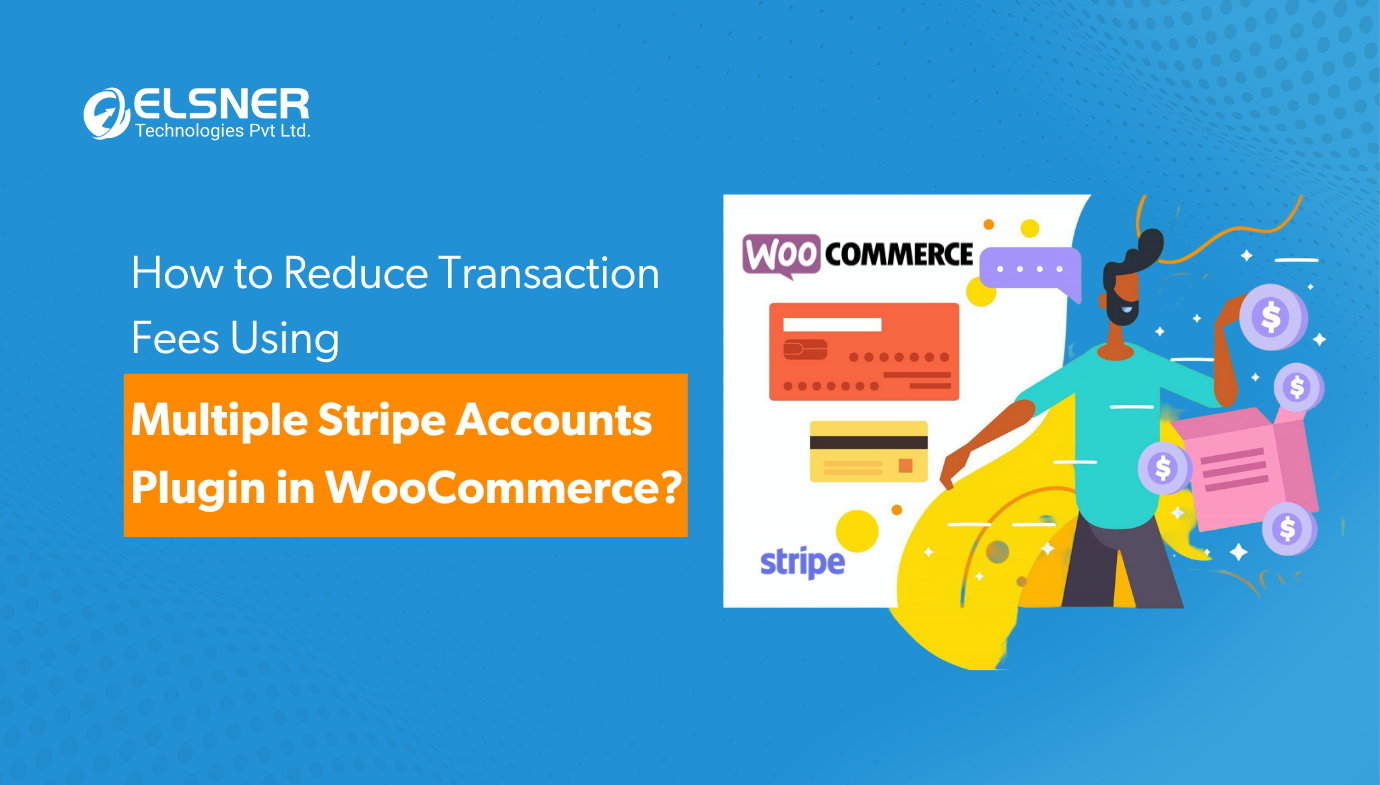
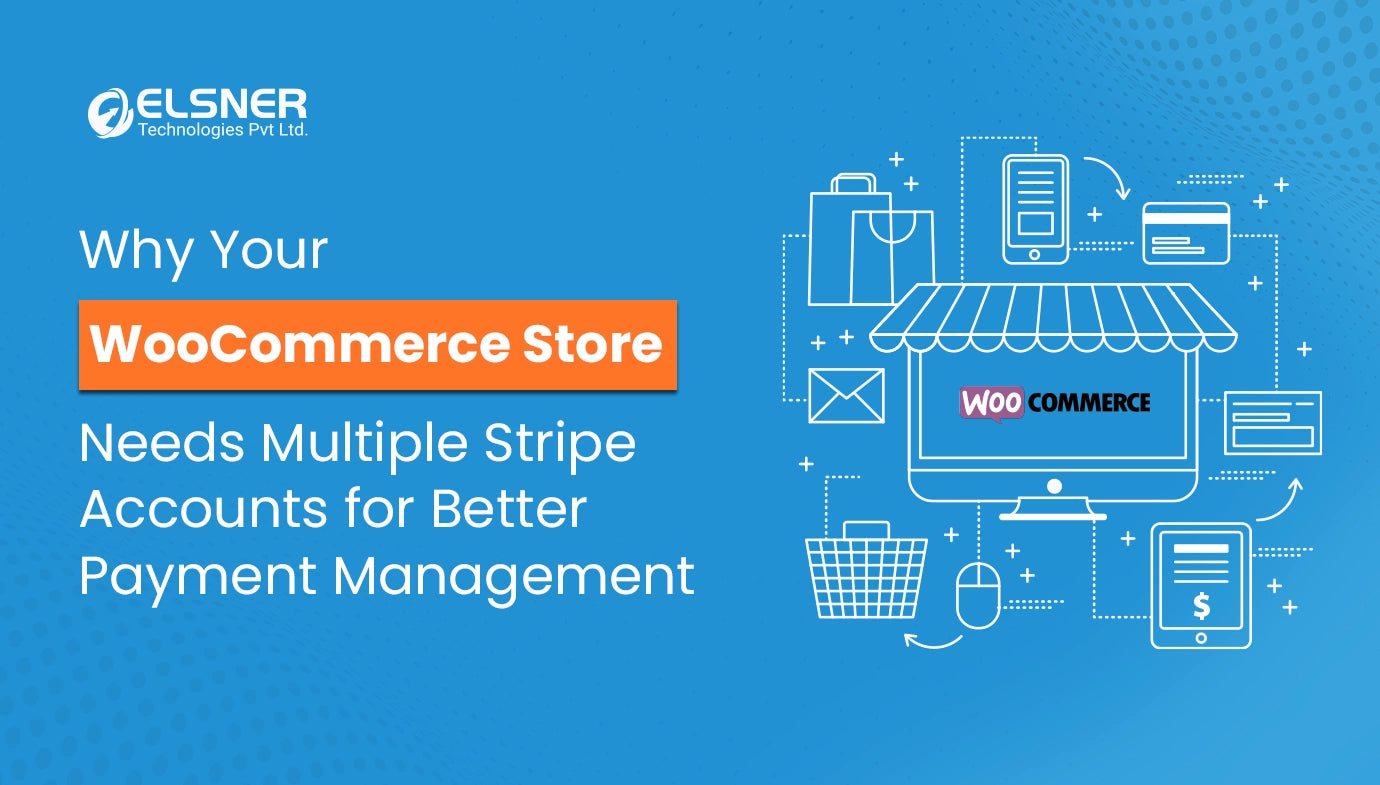
That's the gap a dedicated payment gateway for WooCommerce fills. Elsner's payment gateway for WooCommerce lets a single store accept payments through several Stripe accounts. Based on the product page, here's what it covers:
-
Assign different Stripe accounts to different currencies, so a EUR order goes to the account you've set for EUR.
-
Route payments by product category, which suits stores with separate business lines.
-
Keep test and live API keys for each account, and switch test mode on or off per account.
-
Show Stripe payment fields dynamically at checkout, with single-field or split-field card entry through Stripe Elements.
-
Process cards through Stripe's API with tokenization, so raw card data isn't sitting on your server.
It works alongside WooCommerce multi-currency plugins, which matters if you already run one. That combination is what makes a WooCommerce Stripe integration workable for international stores without custom development.
Setting It Up Without Guesswork
Most problems come from skipping the planning, not from the plugin itself. Here's the order that saves headaches.
-
Map your accounts on paper first. List each Stripe account, the legal entity behind it, the currency or category it should handle, and the bank account it pays out to.
-
Create or confirm the Stripe accounts. Each needs its own verification, so don't leave this until launch week.
-
Install the plugin by uploading it to the wp-content/plugins folder and activating it in WordPress admin.
-
Go to WooCommerce, then Settings, then Stripe Accounts, and add each account with its API keys.
-
Assign the routing rules by currency or product category.
-
Run everything in test mode. Place test orders in each currency and each mapped category before touching live keys.
One more thing. If you want a wider look at which business models suit this approach, our earlier post on payment solutions for ecommerce walks through seven types of businesses that run several Stripe accounts.
Keeping Checkout Clean
Adding accounts on the back end shouldn't add friction on the front end. This is where WooCommerce checkout optimisation matters more than most teams expect.
Shoppers don't care how many Stripe accounts you have. They care whether the payment form loads fast, looks trustworthy, and works on a phone. Route by currency or category behind the scenes, and keep the visible experience to one clear card form wherever you can. Test the mobile checkout specifically. A Stripe checkout integration that works on desktop and stumbles on a small screen costs sales quietly.
A clean ecommerce payment gateway experience also means the statement descriptor should match the brand the customer thought they bought from. That single detail prevents a surprising number of chargebacks.
Mistakes Worth Avoiding
A few traps come up again and again.
Mixed carts
What happens when a cart holds products from two categories that are mapped to different accounts? A single payment can only settle in one place. Ask how the routing handles this before you build your rules, and test it with a real mixed order in test mode.
Refunds
A refund has to be issued against the account that took the payment. Run a test refund on each route so your support team isn't learning this on a live order.
Splitting for the wrong reasons
Separate accounts are meant for genuinely separate businesses, currencies, or lines. Using them to sidestep reviews or hide activity is a fast way to get every account flagged. Don't.
Ignoring team access
More accounts mean more logins. Set up roles properly so finance sees what it needs, and nobody shares one password across five dashboards.
Where to Start
Look at your current Stripe dashboard. If you're exporting transactions and splitting them by hand, or if a customer has ever asked why a charge showed a different name, you've already outgrown the single account.
For growing stores, this isn't a nice extra. It's basic ecommerce payment management, the kind of digital payment solutions groundwork that keeps payment operations calm when volume climbs. Start with the accounts you legally need, add routing rules that mirror how the business actually runs, and test before you go live.
Frequently Asked Questions

Harshal Shah
Harshal Shah is the Founder and CEO of Elsner Technologies, a leading global IT and eCommerce development company. With over two decades of experience in the industry, Harshal has spearheaded innovative projects, particularly in Magento and WordPress development. His entrepreneurial spirit and technical expertise have positioned Elsner as a top solution provider for businesses seeking cutting-edge digital transformation.