
On This Page
- Why Real-Time Data Analysis Matters for eCommerce?
- Key Features of Magento 2 Advanced Reporting
- Benefits of Using Advanced Reporting for Your Store
- How to Get Started with Magento 2 Advanced Reporting?
- Real-Life Use Cases and Success Stories
Get in Touch
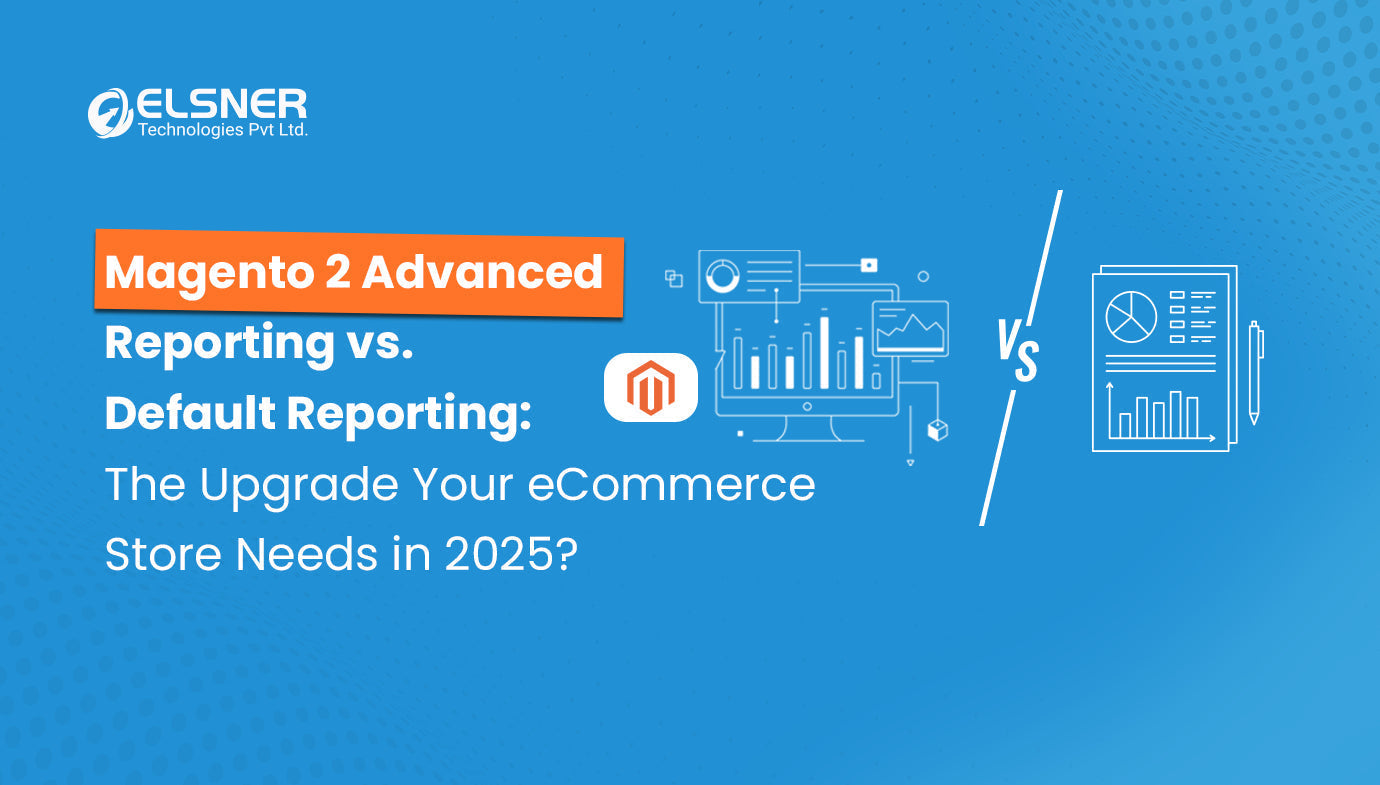
Running an online store without real-time data? You’re missing out on the latest trends and valuable customer data that your competitors are already using to capture the market.
Advanced Magento Reporting extensions fix this problem. Store managers see everything happening right now. Sales numbers update live. Inventory levels change in real-time. Customer behavior patterns appear instantly.
No more guesswork. No more waiting. The Magento 2 reporting extension shows exactly what's working and what's not, the moment it happens.
Want to know which product just became your bestseller? Check the dashboard. Need to see if that flash sale is converting? The data's already there. Here's how Magento 2 real-time reporting changes everything for serious eCommerce businesses.
Why Real-Time Data Analysis Matters for eCommerce?
Stores that spot trends early win. Stores without real-time data? They miss the business entirely.
The Cost of Delayed Information
Traditional reporting systems compile data overnight or weekly. Here's what that delay costs:
-
Lost Sales: Hot products sell out before anyone notices the spike. Customers go to competitors who have stock.
-
Wasted Marketing Budget: That $5,000 campaign that's not working? It runs for days before anyone realizes it's broken.
-
Inventory Problems: Slow-moving products pile up in warehouses. Fast-moving items create stockouts. Both problems eat into profits.
-
Poor Customer Experience: Site issues go unnoticed. Checkout problems persist. Shipping delays multiply. Customers get annoyed and leave.
What Real-Time Data Provides
Magento 2 store analytics, powered by real-time reporting, changes the game completely.
-
Marketing teams see which campaigns convert while they're still running. Quick adjustments save thousands in wasted spend.
-
Inventory managers spot trends before stockouts happen. They reorder at the perfect time. No more emergency shipping fees or lost sales.
-
Customer service teams catch problems fast. A spike in refund requests? They investigate immediately instead of discovering it in next month's report.
The Magento 2 reports extension tracks every click, every cart, every checkout. This level of detail reveals exactly where customers engage and where they bail.
Dashboard screenshot showing real-time sales metrics and performance indicators]
Key Features of Magento 2 Advanced Reporting
The Magento 2 Advanced reports extension isn't just another analytics tool. It's built specifically for eCommerce operations.
Real-Time Sales and Revenue Tracking
Sales data updates every few seconds. Real-time sales insights, Magento 2 shows:
-
Current revenue (updating live)
-
Orders are coming in right now
-
Average order values
-
Conversion rates by traffic source
-
Revenue by product category
-
Sales by geographic location
Running a 24-hour flash sale? Watch the numbers climb in real-time. Break down real-time sales insights from Magento 2 data however you need it:
-
Hourly performance during peak times
-
Daily comparisons week over week
-
Monthly trends with year-over-year growth
-
Category performance
-
Customer segment purchasing patterns
Customizable Dashboards in Advanced Reporting for Magento 2 That Actually Work
Cookie-cutter dashboards don't cut it. Every store cares about different metrics.
Magento 2 performance dashboards adapt to any business model:
|
Store Type |
Priority Metrics |
Dashboard Focus |
|
Fashion Retail |
Seasonal trends, size distribution, and color preferences |
Inventory turnover, bestseller tracking |
|
Electronics |
Product lifecycle, warranty claims, and return rates |
Profit margins, customer satisfaction |
|
B2B Operations |
Customer lifetime value, repeat order rates |
Account management, bulk order tracking |
|
Multi-category |
Cross-sell performance, category mix |
Basket analysis, revenue distribution |
Product Performance Intelligence
Not all products deserve equal attention. Some drive the business. Others just take up space.
The Magento 2 Reporting extensions show exactly which is which:
Winners to Push Hard:
-
High-margin bestsellers
-
Fast inventory turners
-
Products with strong repeat purchase rates
-
Items with high average review ratings
Problem Products to Fix:
-
High traffic but low conversions (pricing issue? bad photos?)
-
Frequent returns (quality problem? wrong descriptions?)
-
Slow movers are eating warehouse space
-
Products with abandoned carts (checkout friction?)
This intelligence drives better decisions.
Automated Reports That Matter
The Advanced Report extension for Magento 2 not only collects data. It watches for problems and opportunities. Set up alerts for situations that need immediate attention:
Inventory Reports:
-
Stock dropping below minimum levels
-
Sudden spikes in specific product sales
-
Products with high backorder rates
Performance Reports:
-
Conversion rates falling outside the normal range
-
Return requests amount
-
Cart abandonment rates
-
Average order value
Alerts go straight to whoever needs them. With a Magento 2 reporting extension in place, the inventory manager gets detailed product reports and timely stock warnings, the marketing director can track conversion performance, and the business owner quickly spots revenue anomalies before they grow into bigger issues.
Benefits of Using Advanced Reporting for Your Store
Talk is cheap. Results matter. Here's what Advanced Reporting Magento 2 actually delivers.
Increase operational efficiency
Manual reporting takes forever. Pull data from Google Analytics. Export sales from Magento. Grab inventory numbers from the warehouse system. Build spreadsheets. Create charts. Send reports. That's 4-6 hours per week for most stores.
The Magento 2 reports extension eliminates all of it. Data's already compiled. Charts automatically update. Reports email themselves on schedule.
Those saved hours? They go toward growing the business instead of tracking it.
Identify top-selling products and underperformers
Inventory mistakes cost serious money. Buy too much, and capital sits in warehouses. Buy too little, and sales opportunities disappear. While real-time data solves both problems, seasonal features like the Magento 2 Christmas Snowfall Effect also help create timely shopping urgency and improve engagement during high-conversion periods.
-
Overstock Prevention: Spot slow movers early. Run promotions before products become dead weight. Clear inventory while it still has value.
-
Stockout Prevention: See velocity changes immediately. Product selling faster than usual? Reorder now, not when it's gone. No more emergency air shipments at 3x normal cost.
-
Better Purchasing: Stop guessing what to buy. Magento 2 advanced reports for eCommerce growth show exactly what customers want, in what quantities, and when they want it.
Support strategic business decisions
Most stores waste 30-40% of their marketing budget. They keep running campaigns that don't work because they don't know any better. Real-time data fixes this:
-
Kill Bad Campaigns Fast: Email campaign flopping? Pause it after two hours instead of letting it run for two days. Facebook ad not converting? Adjust targeting immediately.
-
Scale Winners Aggressively: Find a campaign that's crushing it? Pour more budget in while it's hot. Don't wait until next week when the opportunity's gone.
-
Test Everything Run A/B tests with confidence: See results within hours. Make decisions based on actual data.
The Magento Reporting extensions track every customer touchpoint. Know exactly which marketing channels drive sales versus which just burn budget.
Improve customer experience with accurate data
Happy customers spend more and come back more often. Real-time monitoring keeps them happy.
Catch Problems Early:
-
Page load times creeping up? Fix it before customers bounce.
-
Checkout completion dropping? Investigate immediately.
-
Are shipping delays increasing? Address fulfillment bottlenecks fast.
Personalize Better: Real-time behavior tracking shows what customers actually want. Recommend products they'll buy. Send promotions that matter.
Keep Promises: Accurate inventory prevents overselling. Real-time order tracking gives customers exact information. No more "sorry, that's actually out of stock" emails.
How to Get Started with Magento 2 Advanced Reporting?
Setting up the Advanced Report extension for Magento 2 isn't rocket science. Most stores go live in under an hour.
Installation Steps
1. Get the Extension: Purchase from the Elsner store. Download the files. Pretty straightforward.
2. Install on Magento: Upload to your Magento installation. Run the activation commands. The extension connects to your database automatically.
3. Configure Basic Settings: Set your timezone. Pick your currency. Decide who gets access to what data.
4. Build Your First Dashboard: Start with the basics—sales, orders, top products. Add complexity later as you get comfortable.
Historical data loads immediately. Real-time tracking starts from activation.
Smart Setup Tips
Don't Overthink It
Start with 5-7 key metrics. Add more as needs grow. Trying to track everything on day one just creates confusion.
Match Dashboards to Roles
Different people need different views:
-
Owner: Revenue, profit, growth trends
-
Marketing: Conversions, campaign ROI, traffic sources
-
Warehouse: Inventory levels, fulfillment speed, shipping costs
-
Support: Order status, return rates, customer issues
Set Useful Alerts
Focus on things that actually require action. Inventory warnings? Yes. Every minor sales fluctuation? No.
Schedule Regular Reviews
Check daily for operational stuff. Weekly for tactical adjustments. Monthly for strategic planning.
Analyzing real-time data effectively
-
Context Matters: Sales dropped 30% today? Scary—until you remember it's Sunday and Sundays are always slow. Compare similar periods.
-
Trends Beat Single Points: One slow day means nothing. Three slow weeks mean something's wrong. Look for patterns, not anomalies.
-
Speed Wins: The whole point of real-time data is acting fast. See a problem? Fix it now. Spot an opportunity? Jump on it immediately.
Real-Life Use Cases and Success Stories
Theory sounds great. Real results prove it works.
Fashion Retailer Transformation
A clothing store with 5,000 products struggled with basics. Popular items sell out constantly. Slow movers piled up. Weekly reporting meant always reacting too late.
What Changed After Implementing Magento 2 Advanced Reports
They integrated Advanced reporting dashboards tracking inventory turnover, sales velocity, and stock levels in real-time.
The Numbers Tell the Story
|
Problem Area |
Before |
After |
Improvement |
|
Bestseller Stockouts |
30 per month |
7 per month |
77% reduction |
|
Overstock Value |
$45,000 |
$28,000 |
38% reduction |
|
Time to Reorder |
5-7 days |
1-2 days |
71% faster |
|
Profit Margins |
34% |
41% |
7 points up |
What the Owner Said
"We used to spend Monday mornings analyzing last week's data. Now we spend Monday mornings acting on this morning's opportunities. That shift alone changed our business."
Conclusion
The Magento 2 reporting extension gives stores the real-time intelligence they need to compete. Growing stores scale faster with real-time insights. Established stores optimize operations and boost margins. Both types win because they adapt quickly.
Stop waiting for yesterday's reports to make today's decisions. Get the Advanced Magento 2 Addons and start analyzing your store data in real-time.
Frequently Asked Questions

Harshal Shah
Harshal Shah is the Founder and CEO of Elsner Technologies, a leading global IT and eCommerce development company. With over two decades of experience in the industry, Harshal has spearheaded innovative projects, particularly in Magento and WordPress development. His entrepreneurial spirit and technical expertise have positioned Elsner as a top solution provider for businesses seeking cutting-edge digital transformation.